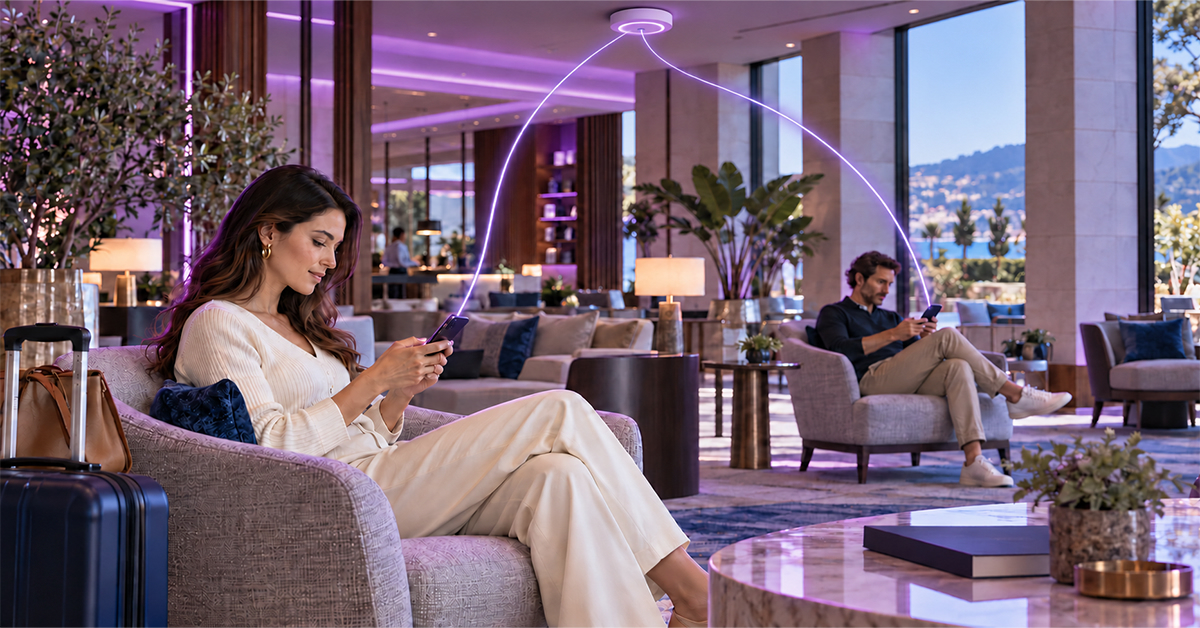
A guest Wi-Fi captive portal restricts a guest’s device until they complete a login page. Good design follows six rules:
- One-screen login.
- Clear consent.
- Venue-specific login methods.
- Time and data limits enforced by the AAA (authentication, authorization and accounting) server.
- Returning devices recognized without relying only on MAC (media access control) addresses.
- Vouchers and sessions that close automatically.
This article sets out guest Wi-Fi best practices for operators serving malls, stadiums, hotels and transit hubs. It covers three moments: first visit, live session and return visit. For background, read our guides to captive portals and what an AAA server does.
First visit: onboarding and consent
On a first visit, the guest Wi-Fi captive portal collects identity and consent. The access controller then forwards the login as an Access-Request to a RADIUS (Remote Authentication Dial-In User Service) server, which handles guest Wi-Fi authentication. Its approval, an Access-Accept, sets the session’s limits; the controller, sets the session’s limits; the controller, which RFC 8952 calls the Enforcement Device (Section 2.4), then lets traffic through.
How to design a guest Wi-Fi login page
Keep guest Wi-Fi onboarding to one screen. Phones often open the portal in a small built-in window, not a full browser. Fit the venue name, login options, consent choices and connect button there, with no scrolling.
The right guest Wi-Fi login method depends on how long guests stay and what the venue needs to know.
Table 1. Guest Wi-Fi login methods compared
| Login method | Best-fit venue | Identity captured | Repeat-visit value | Watch out for |
| Click-through (accept terms) | Transit halls, short-stay spaces | None beyond the device | Low | Usage can’t be tied to a person |
| Text-message (SMS) one-time password (OTP) | Malls, airports, stadiums | Verified mobile number | High | Per-message cost |
| Social login | Cafés, retail, hospitality | What the profile shares | Medium | Extra consent screens |
| Voucher or access code | Hotels, conferences, paid tiers | The voucher itself | Medium | Code sharing without device caps |
| Subscriber login | The operator’s own customers | Existing account | High | Credential sharing without session caps |
Two methods on the first screen is a practical ceiling; more options slow the guest down.
Capturing Wi-Fi consent guests understand
Good guest Wi-Fi consent and privacy practice starts with separating two agreements: the terms of use and permission for marketing. GDPR (General Data Protection Regulation) Article 7(2) requires a consent request to be clearly distinguishable and in plain language.
Give each its own checkbox and leave marketing unticked, since Recital 32 rules out pre-ticked boxes. Never make access depend on marketing consent: Article 7(4) weighs that condition when judging whether consent was freely given.
Article 7(1) expects the controller to be able to demonstrate consent. In venue Wi-Fi, that’s often the venue, sometimes the operator, or both jointly. Keep a consent log, linked to the AAA session record, with the timestamp, portal version, user identifier and choices made. Retain the log for as long as you rely on that consent, not on the session record’s shorter schedule. Under Article 7(3), withdrawing must be as easy as consenting, so put an opt-out link on the success page and keep it available afterwards, for example in follow-up emails or an account page.
GDPR applies to organizations in the EU and EEA, and to some outside them that serve people there; the UK and other markets set their own consent rules. This is design guidance, not legal advice; confirm requirements with counsel in each market.
This is design guidance, not legal advice; confirm requirements with counsel in each market.
In session: quotas and limits
Guest Wi-Fi session quotas hold only when the AAA server enforces them. RADIUS Session-Timeout caps connect time, and a Change of Authorization (CoA) message adjusts a live session when data runs out. RFC 8952 Section 1.2 notes that the network can limit a captive portal session by time or bytes used.
Guest Wi-Fi time and data limits
Set the time limit in the Access-Accept (RFC 2865, Section 4.2) with Session-Timeout, the maximum seconds of service (Section 5.27). Idle-Timeout (Section 5.28) stops an abandoned phone holding a session open.
Data limits rely on interim accounting updates, sent at the Acct-Interim-Interval the AAA server sets (RFC 2869, Section 5.16). When an update shows the quota used up, the AAA server sends a CoA-Request (RFC 5176, Section 2.2) to throttle or redirect. A Disconnect-Request (Section 2.1) ends the session instead.
Warn guests before the limit, not after. RFC 8952 Section 4.2 describes devices prompting users to extend access before expiry, so access continues uninterrupted.
A guest Wi-Fi voucher system that closes itself
A guest Wi-Fi voucher is a code carrying time, data and device limits. The AAA server should check its state on every Access-Request (RFC 2865, Section 4.1), not just the first.
Decide when the clock starts: first login suits paid passes, issue time suits single-day events. At expiry, end live sessions with a Disconnect-Request instead of waiting for a reconnect.
Cap concurrent devices per voucher, so a code sold to one guest can’t quietly serve a tour group.
Return visits and MAC randomization
MAC randomization lets a phone present a different MAC address on each network, and sometimes on the same network over time (RFC 9724, Sections 6.4 and 6.5). Returning user recognition built only on a cached MAC address then fails without warning.
Why MAC randomization breaks repeat visits
A common guest portal pattern stores the MAC address after the first login. On the next visit, MAC authentication against the RADIUS server signs the device straight in.
That breaks when the phone presents a new address after a rotation, a forgotten network or a settings change. In deployments we see it surface as support calls: guests who connected yesterday land on the full login page today.
RFC 8952 Section 3.4.3 notes that portals often identify devices by MAC address. Section 3.2 says identifiers should be unique, hard to spoof and visible to the components that report captive status and enforce access.
Guest Wi-Fi returning device recognition beyond the MAC address
Anchor recognition to the verified login identity and treat the MAC address as one signal:
- Link several MAC addresses to one identity, adding each after a quick re-check.
- Re-check with one tap or a fresh OTP, keeping the guest’s remaining allowance.
- Give frequent visitors a network credential after the first login, such as an IEEE 802.1X or Passpoint profile, so they connect without the portal.
Linking MACs to one identity creates the stable mapping RFC 8952 Section 6.6 calls sensitive information. Encrypt it at rest, set a retention period and name it in the privacy notice.
Worked example: a WISP at a shopping mall. A wireless internet service provider (WISP) runs mall guest Wi-Fi with SMS OTP login, a free daily allowance and paid vouchers for more.
Mid-afternoon, a guest forgets the network and rejoins with a new random MAC. The portal asks only for the phone number; the AAA server recognizes it, sends an OTP and links the new MAC.
Usage is counted against the number, so the guest resumes today’s remaining allowance on one short screen. No second free allowance is created.
Five revenue leaks and their fixes
Guest Wi-Fi revenue leakage happens when the network delivers access the AAA server never authorized, counted or closed. For the pattern beyond Wi-Fi, see how AAA and revenue leakage connect in telecom networks.
Table 2. Guest Wi-Fi revenue leaks and the AAA control that closes each
| # | Revenue leak | How it happens | AAA control that closes it |
| 1 | Shared vouchers | One code used on many devices | Per-voucher device cap, checked on every Access-Request |
| 2 | Sessions outliving the purchase | Paid time ends, session stays open | Session-Timeout in every Access-Accept; Disconnect-Request at expiry (RFC 5176, Section 2.1) |
| 3 | Allowance reset by a new MAC | A randomized MAC looks like a new guest | Allowance counted against the verified identity |
| 4 | Data beyond the quota | Usage checked only at login | Interim accounting updates; CoA-Request at the quota (RFC 5176, Section 2.2) |
| 5 | Shared subscriber credentials | Customers’ logins used by non-customers | Per-account concurrent-session limit |
Leak 4 needn’t end in a disconnect: a CoA-Request can move the session to a policy that opens a top-up page. Paid, tiered guest access like this is what Alepo WiFi Monetization is designed to run.
Every login, quota check and CoA passes through the AAA server, so its uptime is the portal’s uptime. Alepo AAA Server is designed for 99.999% availability, per the AAA Server datasheet.
FAQs
Q1. How should a guest Wi-Fi captive portal be designed?
Use a one-screen login, separate consent and venue-specific login methods. Let the AAA server enforce limits, recognize returning guests by identity and close sessions automatically.
Q2. How do you recognize returning guests on guest Wi-Fi?
Anchor recognition to a verified identity, such as a phone number, with several MAC addresses linked to it. A quick OTP re-check adds any new address.
Q3. How should guest Wi-Fi consent be captured?
Ask for marketing consent separately from the terms, in plain language, with an unticked checkbox (GDPR Recital 32). Log each choice, and make opting out as easy as opting in (GDPR Article 7).
Q4. How do guest Wi-Fi vouchers and quotas work?
A voucher is a code with time, data and device limits. The AAA server checks it at each login, sets Session-Timeout and sends a CoA-Request or Disconnect-Request at the limit.
Q5. How does MAC randomization affect repeat visits?
Phones can show a different MAC address per network, and sometimes change it on the same one. MAC-only portals then treat returning guests as new and may grant fresh free allowances.
Q6. Where does guest Wi-Fi leak revenue?
Through shared vouchers, sessions outliving their purchase, allowances reset by new MACs, data beyond quota and shared subscriber logins. Device caps, timeouts, identity-based counting, CoA and session limits close them.
Q7. Should guest Wi-Fi social login replace SMS OTP login?
No. Guest Wi-Fi SMS OTP login returns a verified phone number, which makes per-person quotas dependable. Social login is quicker but shares only what the profile allows, so offer it alongside OTP.
Conclusion
First visit, live session and return visit share one control point. The portal shapes what the guest sees, and the AAA server decides what each session may do.
Start by auditing your portal against Table 2: any leak without an AAA rule is access given away for free.
See it on your own guest Wi-Fi scenario. Walk through vouchers, quotas and returning guests on Alepo AAA Server and WiFi Monetization with a solutions architect. Book a demo
Want the fundamentals first? Read Carrier WiFi Best Practices