Overview
- Captive portal software for operators should support multiple login methods, vouchers and payments, RADIUS integration with CoA, per-venue branding and tenancy, consent capture, usage quotas, analytics, and carrier-scale availability.
- Revenue depends on how well the portal works with the authentication, authorization, and accounting (AAA) server and the charging system.
- A paid upgrade should take effect mid-session through a change of authorization (CoA) request, without the user reconnecting.
How Captive Portal Software Works With the AAA Server
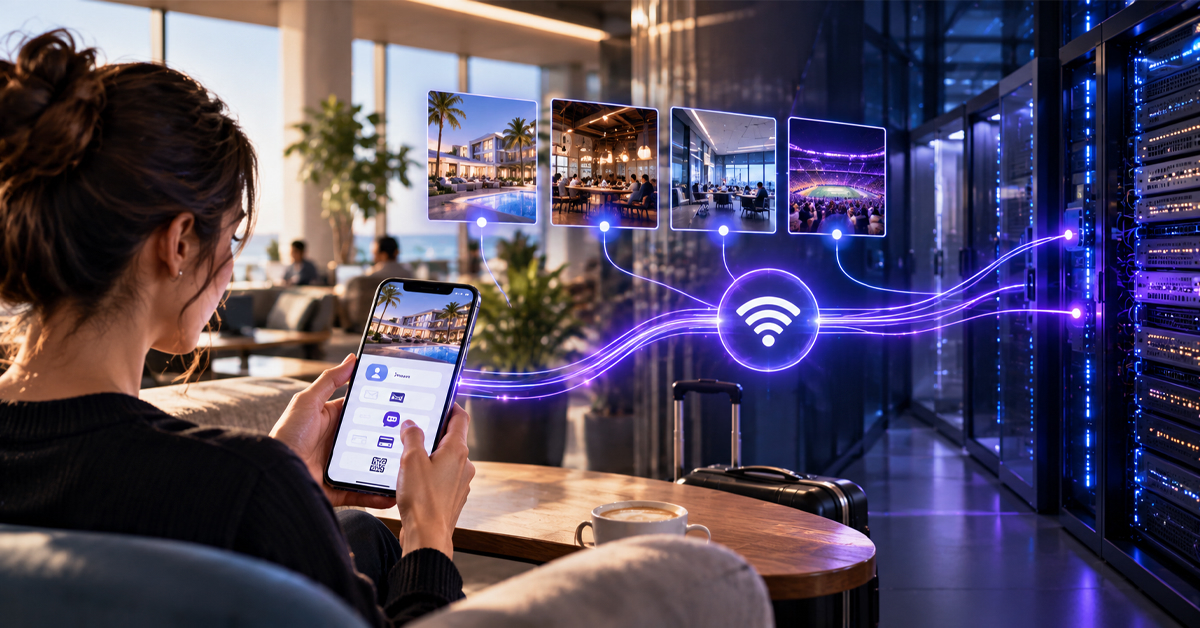
Captive portal software runs the login page people see when they join a Wi-Fi network. It takes each user’s login, payment, or consent and works with the network to decide who gets online and on what terms.
What to look for in captive portal software when Wi-Fi is a product you sell. Behind the portal sits an authentication, authorization, and accounting (AAA) server. It decides who gets on and what they can do, and records their usage.
Captive Portal Software for Operators vs. Venues
Hotels and coffee shops mostly want a branded page and a way to accept the terms. Most splash page software handles that well.
A carrier, cable company, or wireless internet service provider (WISP) sells access across many sites and must account for every session. Often the sites belong to venue partners who share the revenue.
That changes how you should judge captive portal solutions: for an operator, the portal is the front end of the AAA server and billing. Behind it, the Wi-Fi controller and the AAA server talk over RADIUS (Remote Authentication Dial-In User Service). RADIUS is how network equipment checks who may connect.
This article looks behind the page, where basic hotspot software falls short.
The Checklist of 14 Captive Portal Software Features
Captive portal software built for operators needs to cover four areas: user experience, AAA and charging integration, operations, and compliance. Each row comes with a question to put to every vendor on your Wi-Fi portal software shortlist.
| Point | What to look for | What to ask in the demo |
| User experience | ||
| 1 | Several ways to log in. Text message, email, social login, vouchers, or an existing account, set per venue. | Can you add a new login option for one venue without a software update? |
| 2 | Payments and vouchers. Card payments through a payment gateway, with vouchers sold against the same plans. | What if payment goes through but the user closes the browser? |
| 3 | Branding for each venue. Each venue sets its own logo, terms, and language. | Can a venue manager change their own page without calling support? |
| 4 | Walled garden control. Sites people can reach before logging in, like the payment page. | Who updates the walled garden when the payment page moves? |
| AAA and charging integration | ||
| 5 | RADIUS login and usage records. Works with the AAA server you already run. | Does the portal work with our AAA server, or only with its own? |
| 6 | Live session changes. A plan change takes effect without the user reconnecting. | Can a user upgrade from free to paid without logging in again? |
| 7 | Data and time limits. Limits are checked during the session. | What does the user see the moment their data runs out? |
| 8 | Existing customer accounts. Broadband or mobile customers sign in with their existing account. | Can a current customer skip payment and connect with their account? |
| Operations | ||
| 9 | Separate spaces for partners. Each venue partner sees only its own users, reports, and settings. | If we log in as a partner, can we see anyone else’s data? |
| 10 | Captive portal analytics. Logins, paid sign-ups, and revenue, broken down by venue. | What share of last week’s visitors at one venue went on to pay? |
| 11 | Works with your hardware. Supports the wireless LAN controllers (WLCs) and access points you already own. | Which controllers have you tested, and how do you add a new one? |
| 12 | Carrier-scale reliability. Several live data centers, so sessions survive a server failure. | What happens to logged-in users if one data center goes down? |
| Compliance | ||
| 13 | Consent records. Marketing consent kept separate from the terms, timestamped, and easy to withdraw. | Can you show one user’s consent record with the time and page version? |
| 14 | Data retention and admin access. Retention set by country, role-based admin access, and a log of changes. | Can retention periods differ by country? |
How to Score Captive Portal Solutions
Mark each point pass, partial, or fail, ideally on your own controllers. A platform that passes the first group but fails the second is a splash page with a payment form bolted on.
Captive Portal RADIUS Integration With AAA and Charging
Captive portal RADIUS integration means the portal, Wi-Fi controller, and AAA server agree on who the user is and what they paid for. The charging system then charges for that usage as it happens. Our explainer on how the RADIUS protocol works covers the full exchange.
Letting Users In and Tracking What They Use
Request for Comments (RFC) 8952 sets out the Internet Engineering Task Force’s captive portal architecture, as guidance rather than a standard. Section 2.4 calls the gatekeeper the enforcement device, which in operator Wi-Fi is usually the controller. It keeps new users in the walled garden until they log in.
Once they log in, the controller asks the AAA server whether to let them online, as section 4.1 of RFC 2865 describes. The server can approve them and cap the session length in one reply (sections 4.2 and 5.27).
From then on, the controller sends usage records at the start and end of each session, as section 4.1 of RFC 2866 sets out. Interim updates in between, described in section 2.1 of RFC 2869, let the system check limits mid-session. Billing and partner payouts both run off these records.
Upgrading a Session After Payment With CoA
Change of authorization, or CoA, lets the AAA server change a running session without the user reconnecting. Section 2.2 of RFC 5176 defines it, and section 2.1 covers the Disconnect-Request, which ends a session early.
In operator deployments, we see one failure again and again. The payment goes through, but nothing tells the controller, so a paying customer stays stuck on the login page. Ask to see the payment and the upgrade happen as one step.
Vouchers and Data Limits
Prepaid plans need data or time limits checked while people use them, usually by the charging and policy systems. Our article on real-time quota management explains how.
A captive portal with payments should sell vouchers and card payments against the same plans. When a plan runs out, the AAA server can end the session with a Disconnect-Request. The user’s next connection then lands on the portal, where they can top up.
A Worked Example With Day Passes
Take a WISP covering a beachfront and its coffee shops. Visitors get a free hour after confirming a text message code, and longer stays need a day pass.
A visitor joins, lands in the walled garden, and takes the free hour. The AAA server lets them on with a one-hour limit.
Forty minutes later they buy a day pass. Once payment clears, the AAA server sends a CoA-Request with the new limit, and the session carries on without a reconnect. Each usage record can identify the shop’s access point, so revenue can be split fairly.
Questions to Ask in a Vendor Demo
A useful captive portal demo shows a real login, payment, and CoA upgrade. Take the captive portal software checklist to every demo, then add these three questions.
Q. Can you run our scenario?
Ask the vendor to replay the day-pass example on one of your controllers.
Q. What does the user see when something breaks?
Cancel a payment halfway, or switch off a server, and watch.
Q. Where were your performance figures measured?
Every login also hits the AAA server, so ask for AAA figures as well as portal load times, with test conditions.
If two platforms tie, pick the one that covers more of the checklist in one system. In Wi-Fi monetization software, every handoff between systems is another place a paid session can break.
FAQs
Q1. What should captive portal software do?
It shows new users a login page, identifies them, applies their plan, and tracks usage. For operators, it must also work with the AAA server, take payments, and keep venues apart.
Q2. Which captive portal software features matter most for operators?
Start with RADIUS support, live session changes, payments, usage limits, and separate venue spaces. Then check reporting, consent records, and reliability.
Q3. Does captive portal software need RADIUS integration?
For an operator, yes. RADIUS, defined in RFC 2865, is how the controller asks the AAA server to admit a user. RADIUS accounting, in RFC 2866, records usage for billing.
Q4. How should payments work in a captive portal?
Card details should go to a payment gateway. The confirmation should then trigger a CoA-Request, defined in RFC 5176, so the new plan starts at once.
Q5. How should a captive portal handle GDPR consent?
When you rely on consent, Article 7 of the EU’s General Data Protection Regulation (GDPR) says you must be able to prove it was given. Withdrawing it must be as easy as giving it. Keep marketing consent separate from network terms, and treat this as general guidance, not legal advice.
Q6. How does captive portal software scale?
Captive portal scalability depends more on the AAA server than on the login page. Look for several live data centers, load tests based on your busiest hours, and sessions that survive a server failure.
Q7. Can one captive portal platform serve many venues?
Yes, if it is multi-tenant. Each venue or partner gets its own branding, plans, reports, and login, all run from one system.
Request a WiFi Monetization demo, and our team will walk you through the day-pass scenario, from first login to the CoA upgrade.